








생성기
역사
AI 평면도 생성기
변경 도구
모델
베이스 버전
스위치
방
침실
-
2
+
욕실
-
1
+
Kitchen
오픈형
폐쇄형
총면적
단위 메트릭
메트릭 제국의
제국의
메트릭 제국의지역
< 50㎡
50-80㎡
80-100㎡
100-120㎡
120-150㎡
> 150㎡
추가 시설
워크인 클로젯
세탁실
저장실
유틸리티룸
홈 오피스
차고
식료품 창고
거실과 식당 통합
발코니

Design Your Dream Space with Our Free Online Building Plan Creator
Unlock the power of AI to effortlessly generate custom floor plans in seconds. Ideal House’s AI Floor Plan Generator is your ultimate free online building plan creator, transforming your vision into clear, presentation-ready 2D layouts. Whether you're a homeowner, designer, or real estate professional, create perfect home designs with unparalleled speed and precision. Start crafting your ideal house today!
Generate My Floor Plan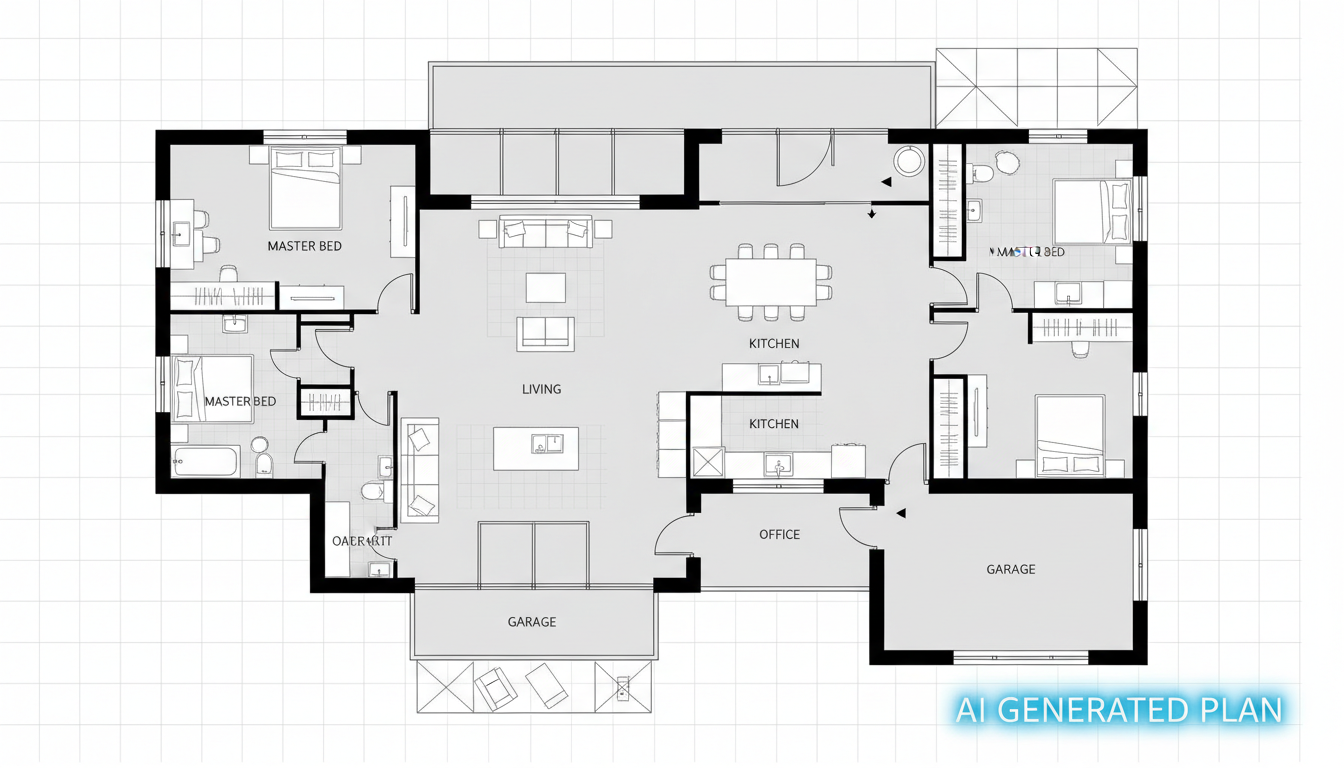


Experience the Ideal House Advantage: Your Go-To Free Online Building Plan Creator
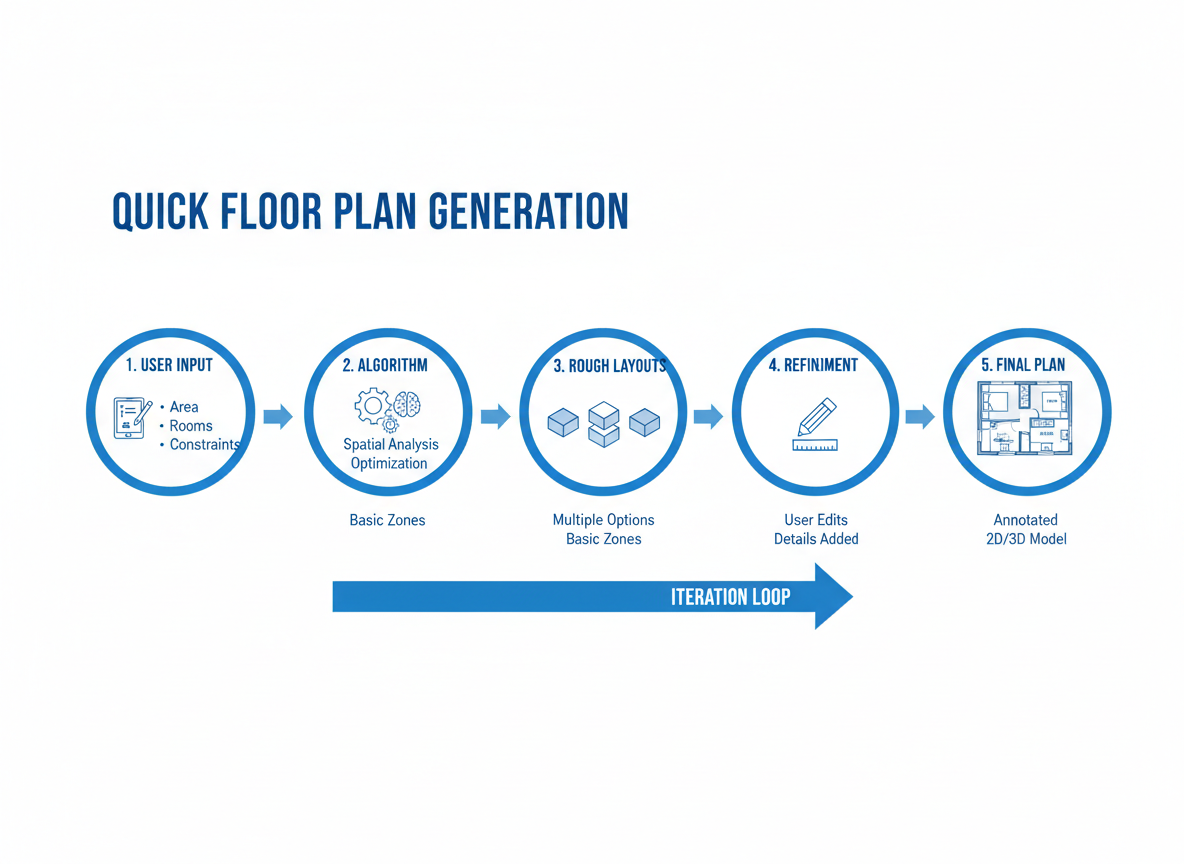
Instant 2D Floor Plans
Tired of tedious drafting? Our AI floor plan generator delivers clean, professional 2D floor plans in an instant. Simply input your preferences, and watch as our free online building plan creator brings your layout to life, saving you valuable time and effort. It's the ultimate house plan generator for quick results.
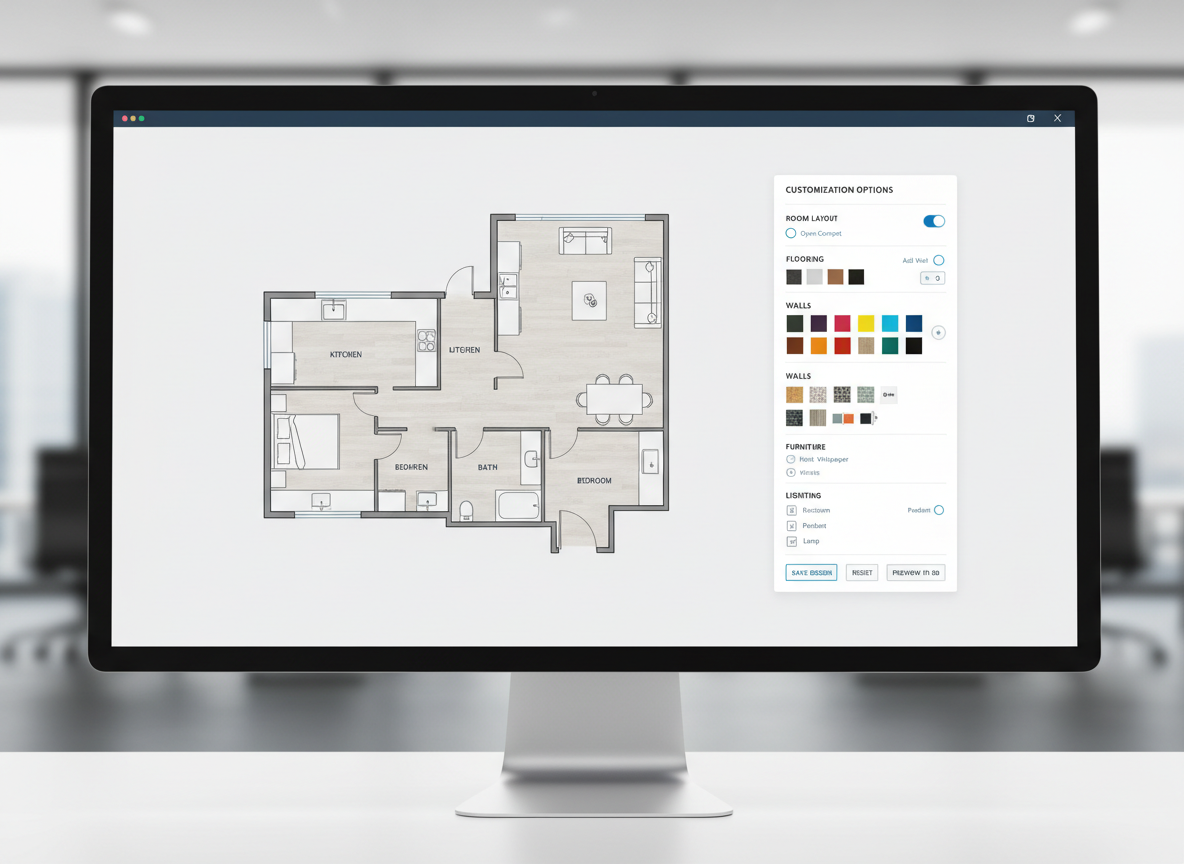
Customization at Your Fingertips
From bedroom count to kitchen style, our online floor plan tool allows precise control. Specify up to 4 bedrooms, 3 bathrooms, open or closed kitchen, and essential extras like a walk-in closet or home office. This free online building plan creator adapts to your every need, making custom floor plans easier than ever.
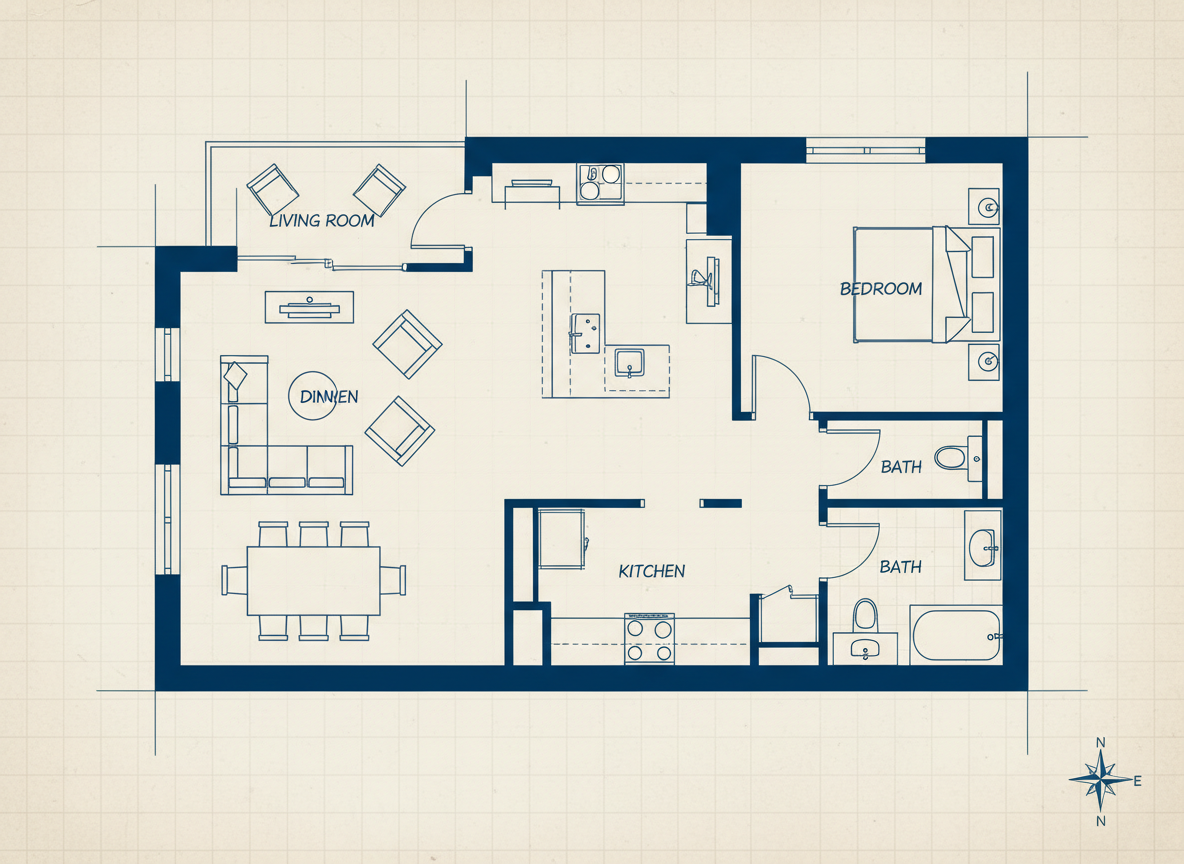
Visualize with Realism
Beyond simple sketches, Ideal House’s architectural plan generator creates layouts that feel realistic and functional. Perfect for showcasing potential listings or exploring new home designs, our free online building plan creator helps you visualize spaces with a level of detail perfect for early concept development and client presentations.

Boost Your Listings & Projects
For real estate agents and interior designers, our AI floor plan maker is a game-changer. Generate consistent, high-quality 2D real estate floor plans that enhance property listings and simplify client communication. This free online building plan creator is an indispensable home design tool for professional success.

Who Benefits from Our Free Online Building Plan Creator?

Homeowners & DIY Enthusiasts: Easily experiment with room layouts, add a combined living-dining area, or plan a home office. Our free online building plan creator makes redesigning your space intuitive and fun.

Interior Designers & Decorators: Quickly generate apartment floor plan concepts, iterate live with clients, and present professional 2D floor plans with ease using this powerful room layout planner.

Real Estate Professionals & Contractors: Create compelling residential floor plan visuals for listings, align project scopes, and communicate designs effectively, all with our efficient house layout creator.

How to Use Ideal House’s Free Online Building Plan Creator
1
Define Your Space: Select the number of bedrooms (0–4) and bathrooms (1–3) to set the foundation for your design. This intelligent house plan generator adapts to your core needs.
2
Style Your Kitchen: Choose between an open or closed kitchen layout to define the heart of your home. Our free online building plan creator understands modern living preferences.
3
Refine with Extras: Add specific features like a walk-in closet, laundry room, home office, or balcony to customize your virtual floor plan. These selections guide the AI in crafting your ideal layout.
4
Generate & Download: Click 'Generate My Floor Plan' to instantly see your 2D floor plan. Review, tweak, and download your perfect design in image or PDF format, ready for sharing or printing.
Frequently Asked Questions About Our Free Online Building Plan Creator
How does this AI floor plan generator create layouts?
Our AI floor plan generator interprets your selections—beds, baths, kitchen type, gross area, and extras—then applies smart algorithms based on common design principles to draft a clear 2D floor plan. Each generation provides a fresh concept, acting as a dynamic floor plan creator.
Can I specify the size of the plan using this building layout software?
Yes, you can pick a 'Gross Area' range (e.g., <50㎡ to >150㎡) to guide the overall scale and proportions of your 2D floor plan, ensuring rooms and corridors feel appropriate for the desired footprint. It's a key feature of our online floor plan tool.
What's the difference between an open and closed kitchen in the generated plans?
An open kitchen design generally integrates with living/dining areas, promoting a continuous flow and sightline. A closed kitchen creates a distinct, separate cooking zone. Our free online building plan creator adjusts the layout accordingly to reflect your choice.
Are 'extras' like a walk-in closet important for the AI?
Absolutely! Extras tell the AI floor plan maker which spaces to prioritize and how to relate them. For example, a walk-in closet will typically be placed near a primary bedroom, and a pantry adjacent to the kitchen, enhancing the functionality of your custom floor plan.
Can I compare multiple generated floor plans?
Yes, every design created by our free online building plan creator is saved in your 'Generation History'. You can easily filter and review multiple versions side-by-side, allowing you to choose the best layout for your needs. It's an excellent house layout creator for exploration.
Discover More Ideal House Design Tools
Ready to Design Your Space?
Experience the ultimate free online building plan creator and bring your architectural vision to life effortlessly. Generate, customize, and share stunning 2D floor plans today!
Generate My Floor Plan
💰 Ideal House의 제휴 파트너로 10% 수수료를 받으세요.
가입하세요